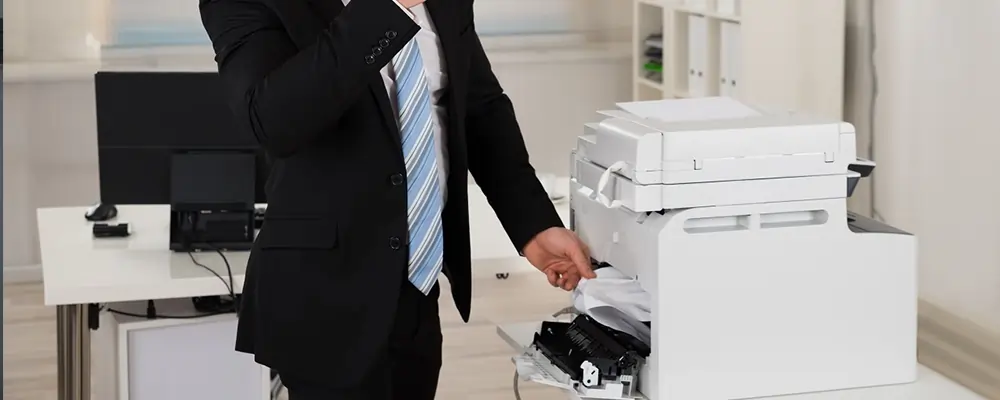
Problems with printers can be very annoying!
The last thing you want is for your equipment to malfunction when all you have to do is print something fast. The bad news is that there are a lot of possible problems, ranging from incorrect print settings to problems with the ink cartridge.
The good news? With a few simple solutions, this list of frequent issues and printer troubleshooting advice has you covered. If you believe it's time for a new printer, we'll also help you find the ideal one!
If your business just has one printer, the print queue may get full from too many people sending print jobs to the spooler at once. The printer then becomes stuck in its queue and stops responding as a result.
Eliminating pointless print jobs that are queued in the spooler is the first step. Restart the printer if this doesn't resolve the issue. For assistance, you might also need to consult the printer manual!
Because it removes the hassle of managing cables and provides the convenience of Wi-Fi printing, a wireless printer is fantastic. A sluggish internet connection, however, can negate all of those advantages and cause your printing process to come to a grinding halt.
Once you've verified that your internet is slow, you can try:
Outdated or corrupted printer drivers are the next issue we cover in our list of printer issues and fixes. These include instructions on what and how to print by connecting the printer and computer. But as they get older, they may make your gadget less effective.
Update, install, or replace your printer drivers to resolve this printer problem. For more precise instructions and information, consult the user manual that came with your printer. It will direct you to the location of the most recent printer drivers!
There are several reasons for streaks and/or blotchy prints, ranging from a clogged ink or toner cartridge to using the incorrect type of printer paper. You will regrettably end up with prints that are faded, smeared, or discoloured as print quality declines.
Use these printer troubleshooting steps if you're experiencing this problem:
Blank pages come next on this list of printer issues and fixes. The most frequent source of this problem is your printer running short on ink and toner, but it can also frustrate you even after you've recently changed an ink or toner cartridge.
If ink cartridges aren't recognised by your printer, you should:
It’s not uncommon for your print jobs to go sideways—literally. This is among the most frequent printer issues, and it usually involves instances where the text on your printed page is crooked or out of alignment.
Usually, an out-of-place print head causes this problem. You should check your printer to make sure everything is in working order because, occasionally, a single bump might cause the device to begin destroying your print product.
The fact that multifunction printers (MFPs) have scanners makes them fantastic, but what happens if they stop scanning correctly? Considering how costly it may be to replace MFPs, this is undoubtedly one of the most annoying printer problems.
To get the latest scanner driver and get your MFP working again, just reload the printing software package. You should manually look for and install the new driver if that doesn't work.
Here are seven typical printer issues and their fixes. Sadly, there are instances when printer troubleshooting is insufficient to save your equipment; in these cases, you will need to call us for a new printer!
Printers are known to Printerforrent.ae! You may rely on us whether you're searching for large-scale production equipment, inkjet printers, or laser printers. These typical printer issues are uncommon with our premium models, which are made to last.
Having trouble with your printer? For a solution, give us a call!