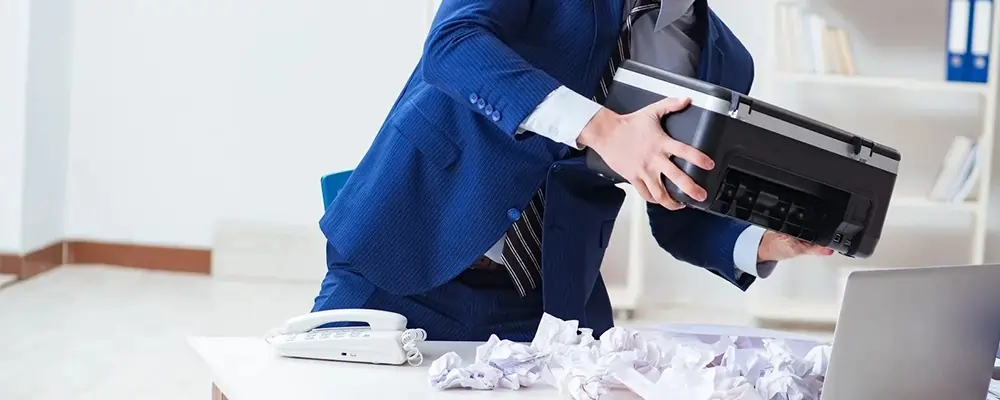
Have you ever become weary of having to deal with the daily paper jam problem with your printer?
A printer's paper jam could appear to be a minor problem. However, if it occurs frequently, it can impede your productivity, waste resources, and irritate your team—especially during a busy workday. Paper jams may indicate that your printer needs to be examined and fixed if they occur every time you need it to function properly. Don't worry if you've been wondering, "Why is paper getting caught in my office printer?" or "Why does my HP printer keep stating 'paper jam?" You're not by yourself. The typical reasons for a paper jam in your printer can be identified and fixed with the assistance of Printer Repairs.
You can save time, effort, and money on future printer repairs by identifying the causes of paper jams and learning how to resolve them. The best part is that you can support your total business needs by maintaining excellent printing operations at your shop, office, or facility. What you should know about the paper jam is provided here!
An office printer's tray may typically accommodate a variety of paper sizes and types. However, the printer's feed system may become confused if multiple kinds of paper are placed in the same tray, which could lead to paper jams and other issues.
To avoid interfering with the printer's detecting mechanism, the best method to prevent this issue is to just put one kind of paper into a tray for a single use. If you need to use a different kind of paper, you may either manually load it again or use a new tray to ensure that your printer operates smoothly.
One of the causes of the paper jam is overloading the paper tray, which exposes the pile to excessive pressure and finally makes it difficult for the printer to remove sheets.
To avoid overloading and overworking your printer all at once, the expert advises filling the paper just to the maximum recommended capacity. To keep the sheets from sticking together, don't forget to sweep the pile once more before putting it in the tray. You can save a ton of time and work by preventing paper jams in your printer with a few simple actions!
Low-quality or damaged paper is another main cause of your printer's paper jam. It can also curl, crumple, or produce dust that clogs the printer rollers and causes recurring paper jam problems.
This is a simple way to solve it:
If the paper is not loaded correctly, it may enter the printer at an angle and cause a jam, which is one of the smallest errors that few people are aware of. Even a minor incorrect loading procedure can result in a paper clog inside your printer, which could potentially cause you a lot of problems.
Making sure the paper is exactly aligned with the guides—not too tight or loose—will guarantee that your printer operates smoothly and that the paper stack can move freely without being stuck. Therefore, avoid pushing the paper too deep into the tray and make sure it fits properly every time.
Have you moved to a different brand of ink or toner cartridges? Incorrect paper feeding caused by non-OEM toner or ink cartridges can occasionally result in jams.
To find out what works best with your printer's printing system, try using toner and ink cartridges that are recommended by the manufacturer. You may regularly examine the printer for leaks or buildup to get the best printing results.
Printer rollers are used to guide paper into the machine. The buildup of dust and grit on rollers, which makes them unusable, is one of the main reasons for a paper jam in a printer.
How to resolve:
Like any other machine, a printer will inevitably have a shelf life. A broken sensor, worn-out rollers, or damaged gears could all contribute to a paper-jamming problem.
How to resolve:
One well-known issue that frequently arises is paper jams. In actuality, they may be prevented. To ensure that the printer operates properly, it is important to understand how a paper jam issue arises. Using the best paper, toner, and cartridges, along with routine printer maintenance, will help prevent paper jam issues.
But if, despite these fixes, you continue to have trouble with paper jams on a regular basis, it might be time to consult an expert. We at printerforrent.ae are experts at identifying and resolving any issues you may have with your printers, whether they are mechanical or related to paper feeding. If your business printer shows a "paper jam" indication even though there isn't any paper trapped in it, our experts can help.
For quick fixes and optimal printing, get in touch with us right now.